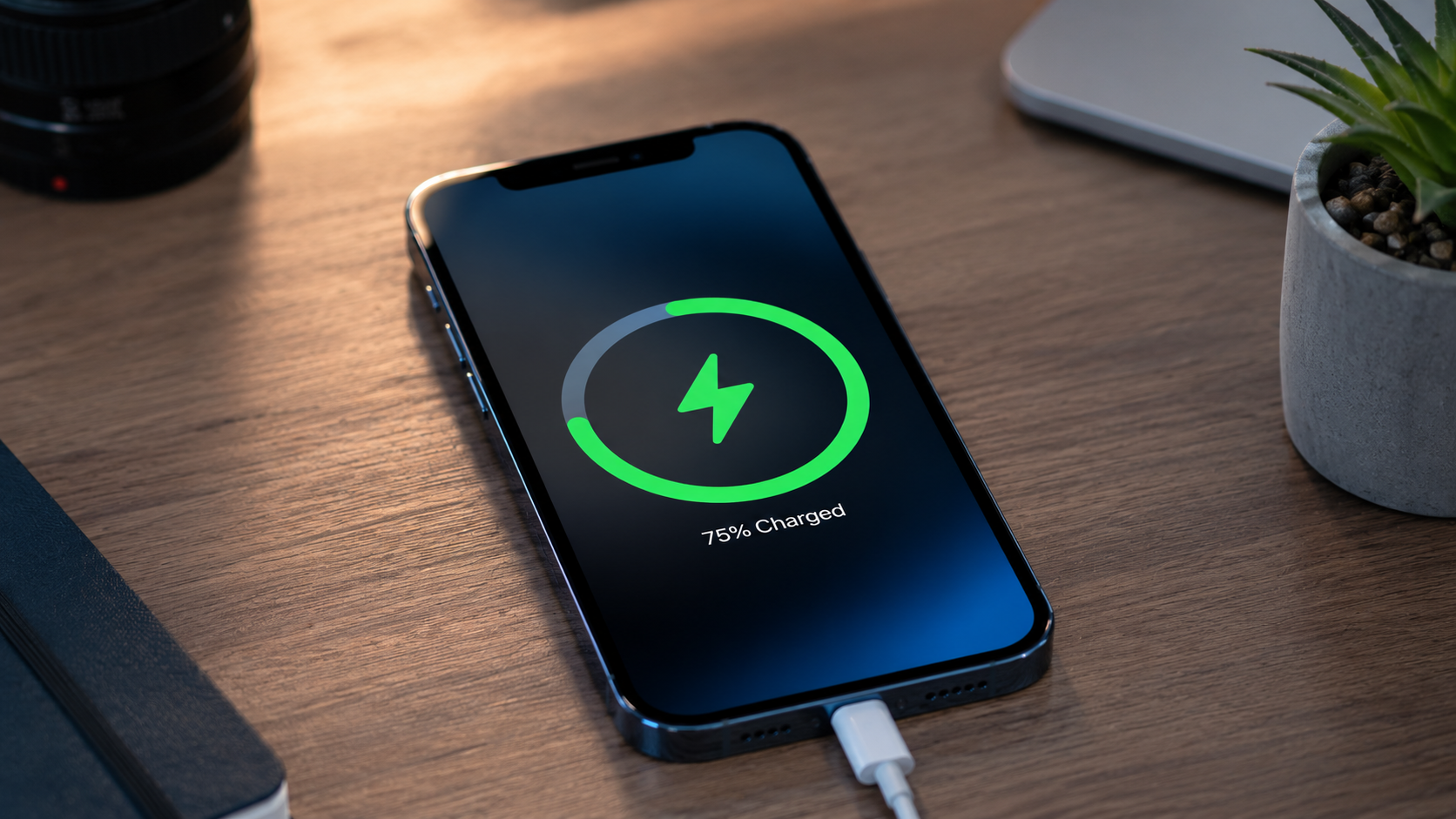
As the highly anticipated September launch window for the iPhone 18 series approaches, millions of longtime Apple users are facing a familiar dilemma: their once-shiny, lightning-fast smartphones now feel like useless bricks that must remain tethered to a wall outlet or wireless charger 24/7/365.
For users holding onto devices like the iPhone 14 Pro or older, severe battery degradation typically hits hard after a few years of consistent use. You might notice a massive drop in performance once the battery percentage slips past 60%, forcing you to carry bulky portable power banks everywhere. However, before you shell out over $1,000 for a brand-new upgrade just to get a fresh battery, there is an official, cost-effective alternative that makes your phone feel brand new.
How to Check If Your iPhone Battery is Officially ‘Cooked’
Your iPhone will literally tell you when its lithium-ion chemistry is significantly degraded. To diagnose your device’s health, follow this simple pathway:
- Go to Settings > Battery > Battery Health & Charging.
- Check the Maximum Capacity percentage.
If your capacity has dipped anywhere near or below 80% (for instance, dropping down to 72%), your device is operating under a severely degraded power profile. This means even when your screen displays 100%, you are only getting a fraction of the maximum charge capacity the hardware was originally built to sustain. At this stage, iOS will explicitly prompt you to schedule an official replacement appointment.
💰 The Apple Store Solution: Battery Replacement Cost Breakdown
Instead of upgrading prematurely, heading to an official Apple Store can restore your device’s peak performance capacity back to a flawless 100%. Booking an appointment can be done seamlessly right through the iOS Settings app under your service options.
| iPhone Model Series | Estimated Apple Store Replacement Cost | Performance Result |
| iPhone 14 Pro / Pro Max | $99 | Restores Maximum Capacity from degraded levels back to 100% |
| iPhone 13 & Older Models | $89 – $99 | Eliminates sudden drainage; restores system responsiveness |
| iPhone 15 & 16 Series | Varies (Often covered under AppleCare+) | Returns device to day-one factory power standards |
Paying less than $100 to breathe another two to three years of life into a perfectly capable flagship phone is an absolute game-changer, especially if you plan to travel internationally or want to avoid the hefty financial commitment of an immediate hardware upgrade.
🙋♂️ Frequently Asked Questions (FAQs)
Q1: What does ‘battery’ mean in criminal law versus electronics?
While in technology a battery is a lithium-ion energy storage device, the term “battery” in criminal law means the unlawful, intentional, and offensive physical contact or touching of another person without their consent.
Q2: When should I officially replace my iPhone battery?
Apple recommends replacing your smartphone battery once its Maximum Capacity health drops below 80%. At this point, you will likely experience sudden power drops and slower system processing speeds.
Q3: How much does it cost to fix an iPhone 14 Pro battery at the Apple Store?
The official out-of-warranty estimated cost to replace an iPhone 14 Pro battery at an authorized Apple Store is $99, which completely restores the battery life back to 100% peak capacity.